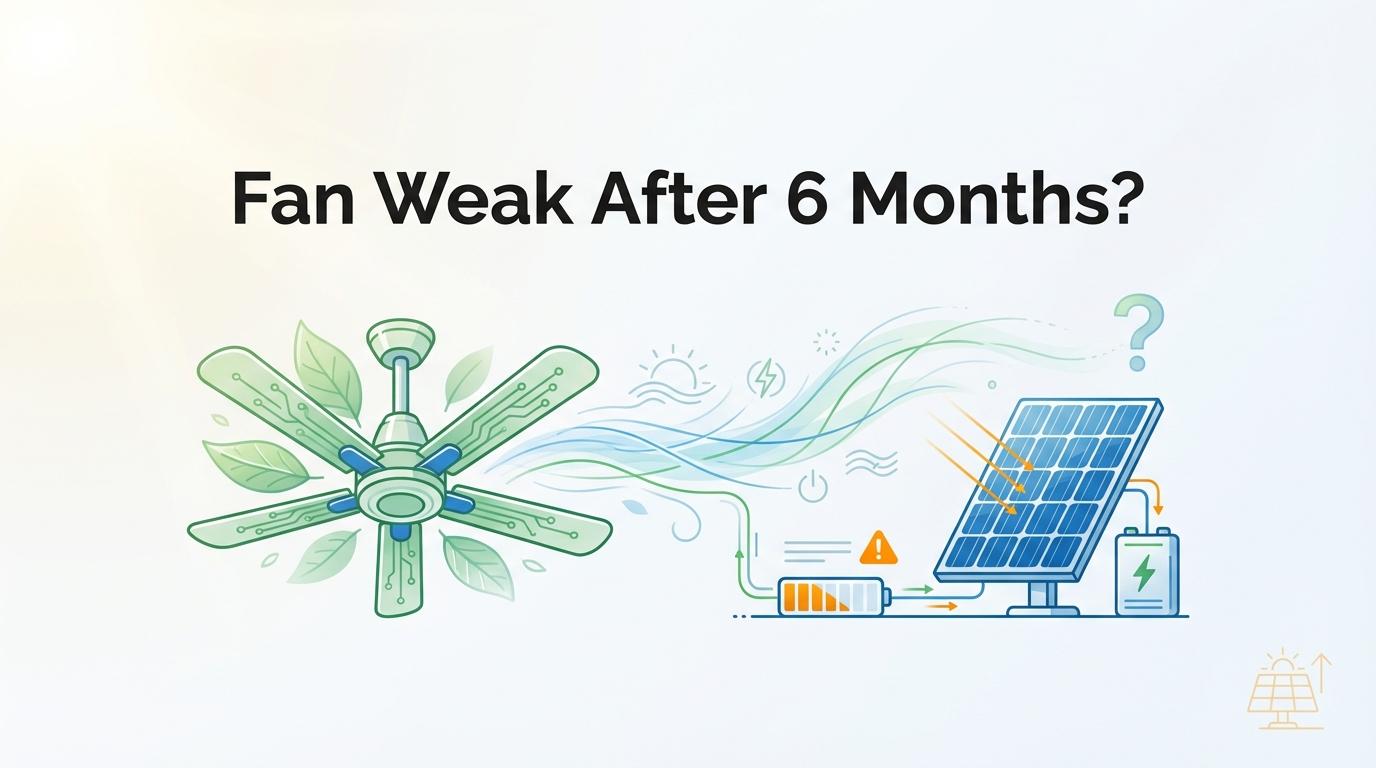
If your fan gets weak after about six months, the battery and maintenance routine are usually the problem, not the fan motor itself.
When a fan that used to run all evening now slows down before bedtime, it is easy to assume the unit is “done.” Most repeat failures come from three avoidable habits: pushing the fan while it is already acting abnormal, skipping basic checks, and replacing parts before diagnosis. You will get a practical way to clean, test, and decide whether a LiFePO4 upgrade is worth it.
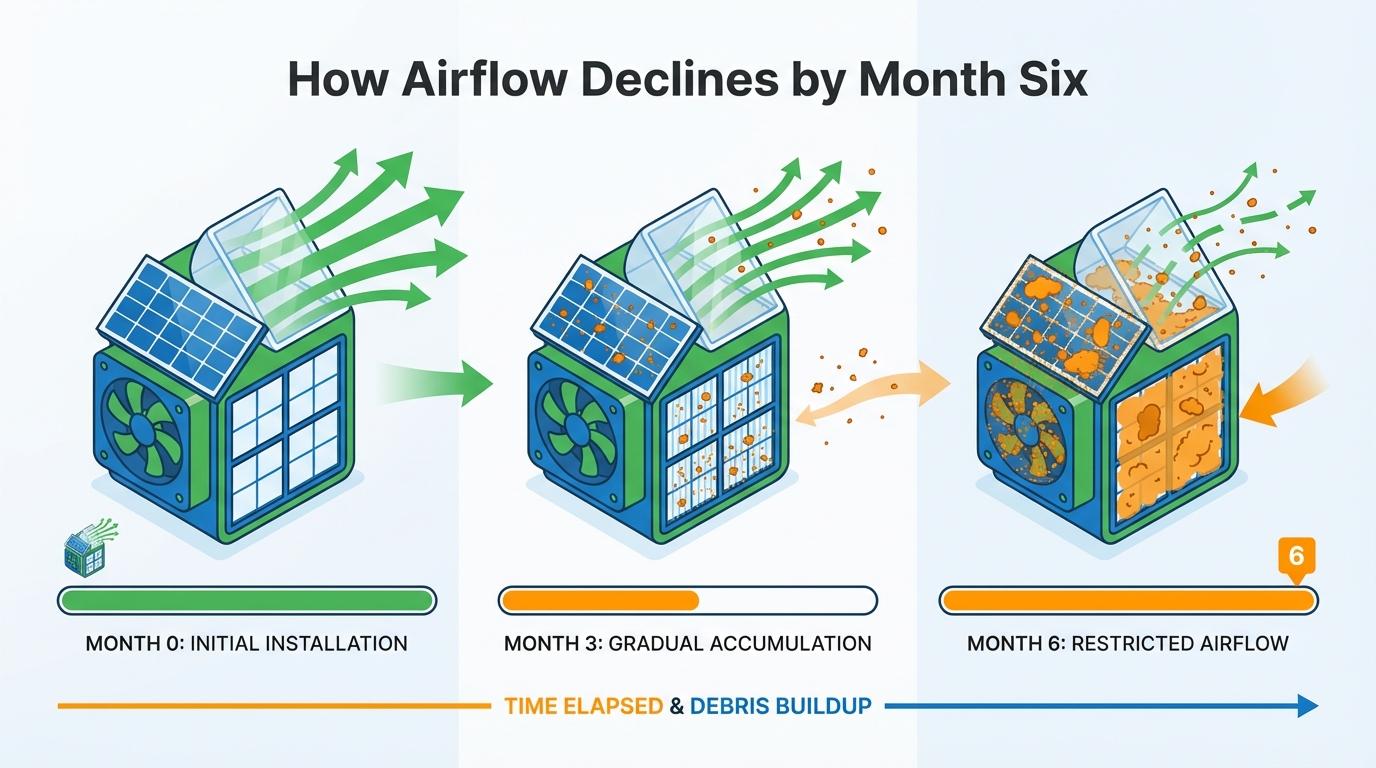
Why Airflow Drops Around Month Six
Most home units have a long hardware window, and 5 to 15 years is a common total lifespan range for solar fan systems when maintenance is consistent. A weak fan at month six usually points to panel dirt, poor charging conditions, battery stress, or blocked airflow.
Performance dips are especially common when cloudy or hazy days reduce panel output, because lower solar input directly reduces fan speed in many designs. Intake blockage can create the same symptom, so panel output and airflow path must both be checked before blaming the battery.
The biggest avoidable mistake is forcing operation through warning signs like heat, odd noise, or intermittent starts. A safer workflow is: stop use, disconnect power, record symptoms, and test simple causes first (power path, wiring, dust, airflow) before replacing core parts.
LiFePO4 vs Normal Battery: Real Lifespan Table
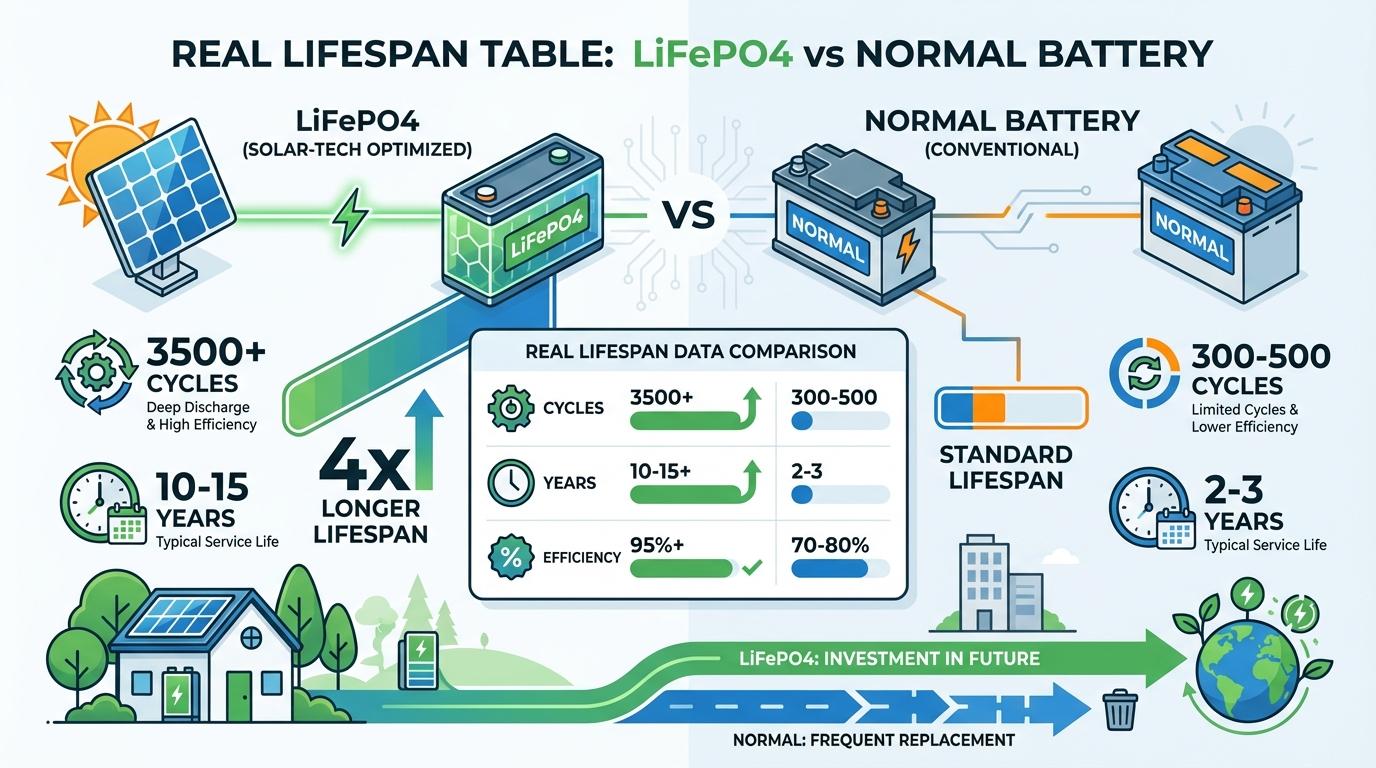
A major reason people switch is that 2,000 to over 8,000 cycles is a common LiFePO4 range to about 80% capacity in manufacturer guidance, and shallower daily discharge can stretch life even further.
Battery chemistry also reacts strongly to environment, and 73–94% longer life in mild climates was shown in CMU modeling versus hot climates for LiFePO4 systems. Heat management and charging behavior are not “nice to have”; they are lifespan multipliers.
Budget systems often use lower-cost packs, and lead-acid being shorter-lived than lithium options is a common pattern in field content. That is why a lower upfront battery price can still cost more over repeated replacements.
Lifespan Comparison Table
| Parameter | LiFePO4 | Normal Battery (Lead-Acid or Basic Non-LFP Pack) |
|---|---|---|
| Typical cycle life (to ~80% capacity) | 2,000–8,000+ cycles | Usually much lower; more frequent replacement |
| Deep discharge impact | Strongly affected, but manageable with 50–80% daily DoD habits | Deep discharge usually shortens life quickly |
| Heat tolerance in daily use | Better stability, but still degrades faster in high heat | Often more heat-sensitive |
| Typical ownership pattern | Higher upfront cost, longer service interval | Lower upfront cost, shorter replacement interval |
| Best use case | Daily cycling, longer-term ownership | Light/occasional use with low budget priority |
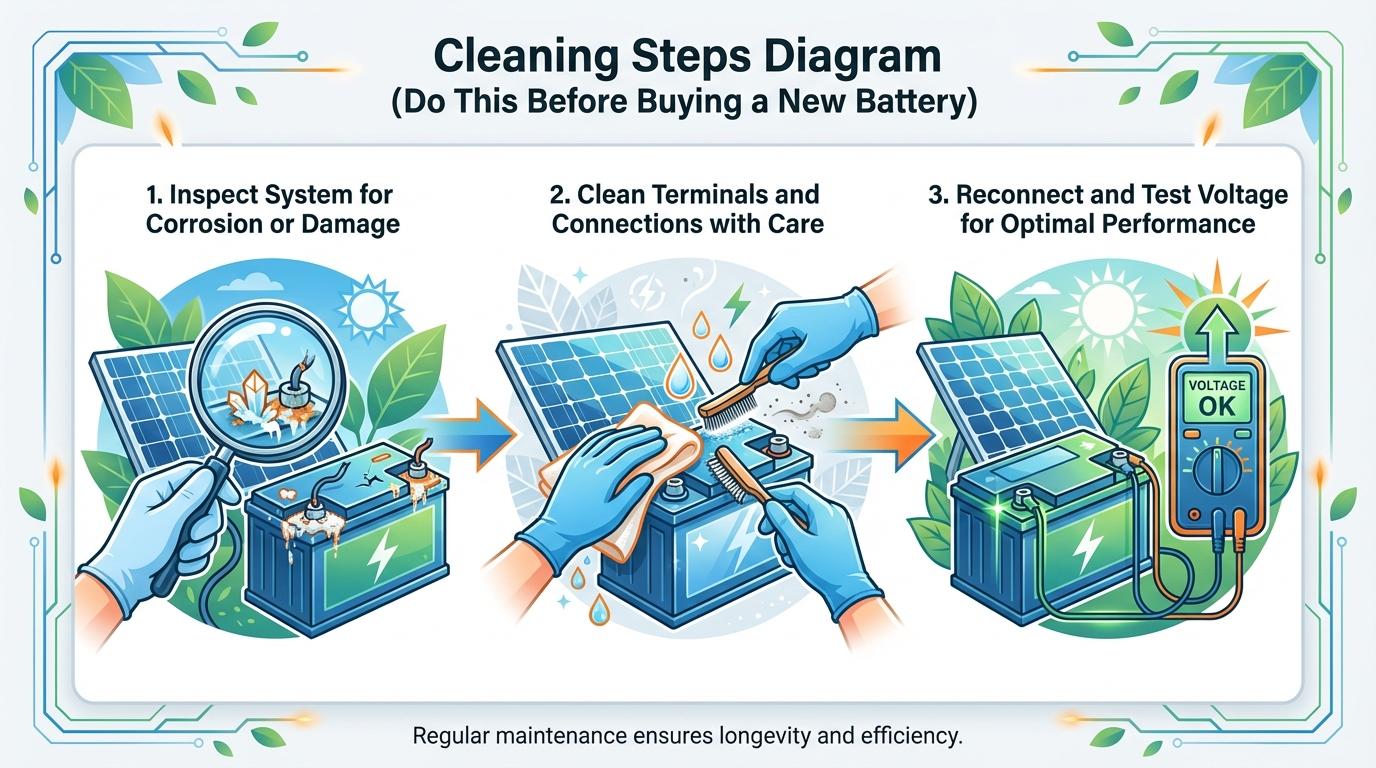
Cleaning Steps Diagram (Do This Before Buying a New Battery)
Panel contamination is a direct power problem, and dust can cut panel efficiency by around 30% in practical maintenance guidance. If your airflow faded gradually, cleaning is the first high-return fix.
Use gentle cleaning methods, since soft cloth plus mild soapy water is the common recommendation for panels and fan surfaces. Avoid harsh chemicals and abrasive materials that can reduce panel performance over time.
Step-by-Step Cleaning Diagram
Power Off & Isolate
        ↓
Cover/Disconnect Panel
        ↓
Dry Brush Panel Dust
        ↓
Wipe Panel (mild soap + soft cloth)
        ↓
Clean Fan Blades & Intake Vents
        ↓
Inspect Wiring & Connectors
        ↓
30-Minute Low-Load Test
        ↓
24-Hour Observation (noise, heat, restart behavior)
After cleaning, test one change at a time. If you clean, re-test before also replacing wiring or battery; otherwise you cannot tell what actually fixed the issue.
Cloudy-Day Runtime Tips That Actually Work
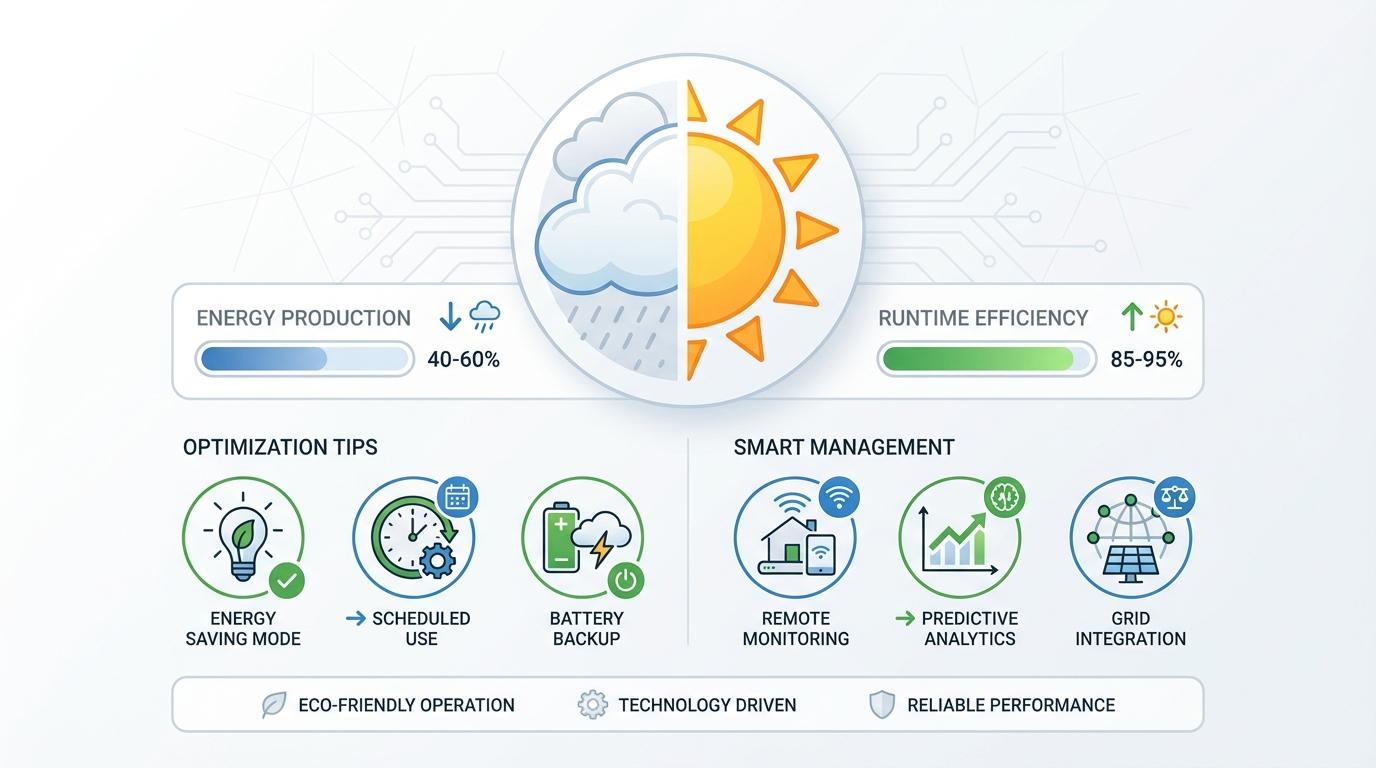
Slow speed on overcast days is often normal behavior, and lower sunlight input reduces fan speed in direct-solar fan setups. The goal on cloudy days is to reduce power waste, not force full-speed operation.
Battery state matters in bad-weather streaks, and 50% to 70% storage charge is a practical range for preserving LiFePO4 health between heavy-use periods. Very high or very low long rests increase stress.
Cloudy-Day Endurance Tips
- Clean the panel before multi-day cloudy weather.
- Run lower fan speed during weak sun windows.
- Prioritize airflow path (open vents, clear intake) so each watt moves more air.
- Pre-charge fully when strong sun returns, then avoid deep drain to 0%.
- Keep battery temperature moderated; avoid charging LiFePO4 below 32°F.
FAQ
Q: My fan is weak on cloudy days. Is the battery bad?
A: Not always. Cloud cover reducing panel output is a common cause of temporary low speed.
Q: Is LiFePO4 worth paying more for?
A: If you cycle the fan battery often, yes. Higher cycle-life ranges usually mean fewer replacements over time.
Q: How should I store the battery off-season?
A: Keep it partially charged and dry; around 50% and periodic checks are common long-storage recommendations.
Practical Next Steps
Heat and charging conditions decide lifespan almost as much as battery type, and thermal management changing battery life outcomes is well documented in LiFePO4 modeling.
Use this checklist before buying replacement parts:
- Stop operation at first abnormal heat, smell, or intermittent spinning.
- Clean panel and blades completely, then re-test.
- Inspect intake/exhaust airflow path and wiring connections.
- Run a 30-minute test, then monitor behavior for 24 hours.
- If capacity is still collapsing, upgrade to LiFePO4 for frequent-use setups.
- Set a maintenance rhythm: panel cleaning, connector check, and seasonal battery review.

Ray Harlan
Ray Harlan is a seasoned American solar energy expert and Farseen's lead advocate for practical off-grid living. Born and raised in sunny California, with 14 years of hands-on experience in rooftop solar, microgrids, and real-world deployments across the U.S. and beyond, Ray has lived through everything from Texas blackouts and Florida hurricanes to Southeast Asian night markets and remote camping trips. He's not just theorizing-he has tested low-cost lighting and fan systems for street vendors, built emergency food preservation setups during multi-day power outages, and fine-tuned solar solutions for hot nights, kitchen ventilation, and disaster readiness. His mission is simple: turn sunlight into reliable, everyday power for families, small businesses, and outdoor enthusiasts. Every article he writes draws from field-tested insights, honest cost breakdowns, and straightforward step-by-step advice so you can confidently harness solar energy in your own life.