Solar fan wholesale & OEM inquiries

For shop suppliers & multi-site buyers

Solar fans for small shops

Start with W01 on the wall to keep the counter clear. No suitable wall position? Choose T02 on a clear counter. Verify operating hours and charging with a sample.

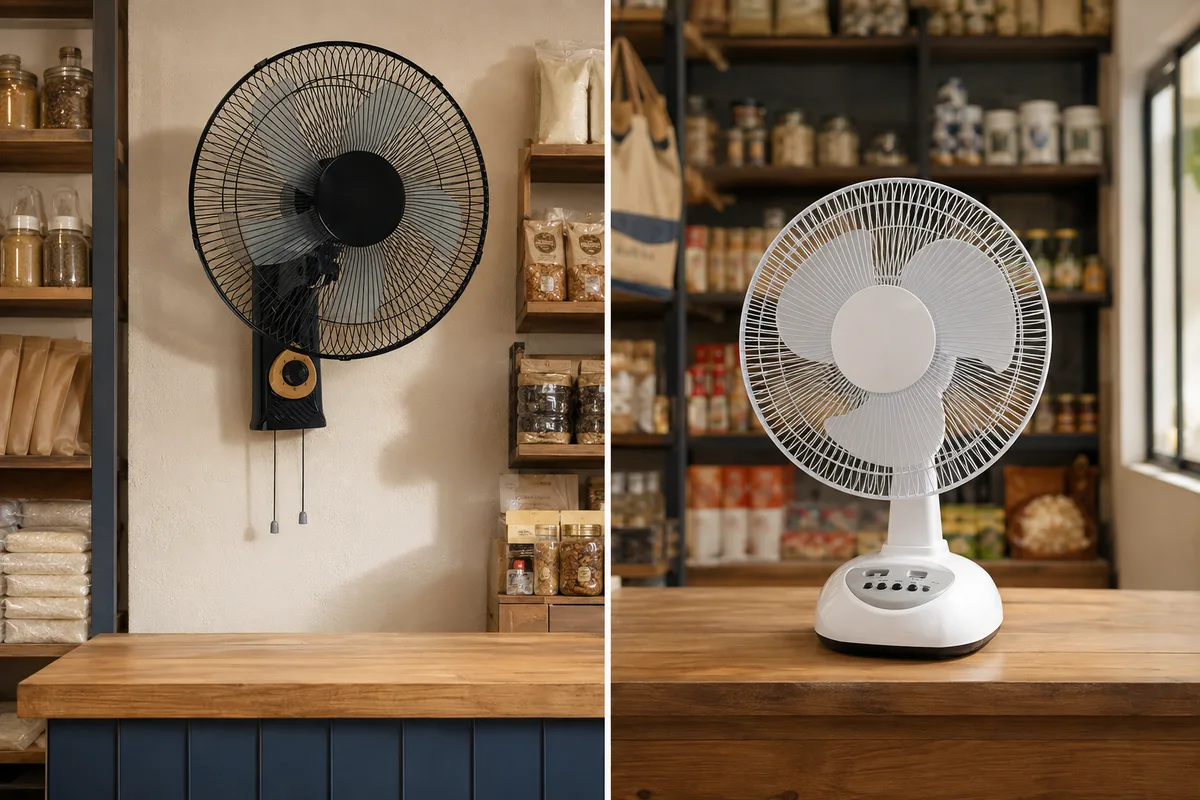
Two alternative small-shop layouts: a black W01 mounted on the wall keeps the counter free; a white T02 stands on a clear counter.
AI-generated layout illustration · Two alternatives, not a two-fan bundle.

01 / Apply the recommendation

W01 first; T02 when the wall option fails

This page deliberately narrows the four-model range to two compact-shop candidates. The layout condition decides between them.

PRIMARY · W01

Keep the counter and floor available

Recommend W01 for a fixed work, service or waiting position when the shop permits safe wall mounting. Confirm the surface, installation position and practical access to its controls.

Do not choose W01 if: mounting is prohibited, the work area changes regularly, or the controls would be impractical to reach.

Review the primary recommendation →
ALTERNATIVE · T02

Use a clear counter position

Choose T02 when W01 is excluded and a stable counter can hold the 48 × 21 × 35 cm fan outside the selling or working area.

Do not choose T02 if: it displaces tools, stock or transactions, or its cable route crosses the service space.

Review the counter alternative →
OUTSIDE THIS SHORTLIST

Neither position works?

This page should not force a standing fan into the recommendation. If both wall and counter positions fail, return to the full range and define the available floor area before considering another model.

Compare the full range →

02 / Confirm one candidate

A focused W01 and T02 shortlist

Choose W01 when its installation conditions pass. Choose T02 only when the wall option fails and the counter conditions pass. These are recommendations to sample, not guarantees of coverage, noise or working hours.

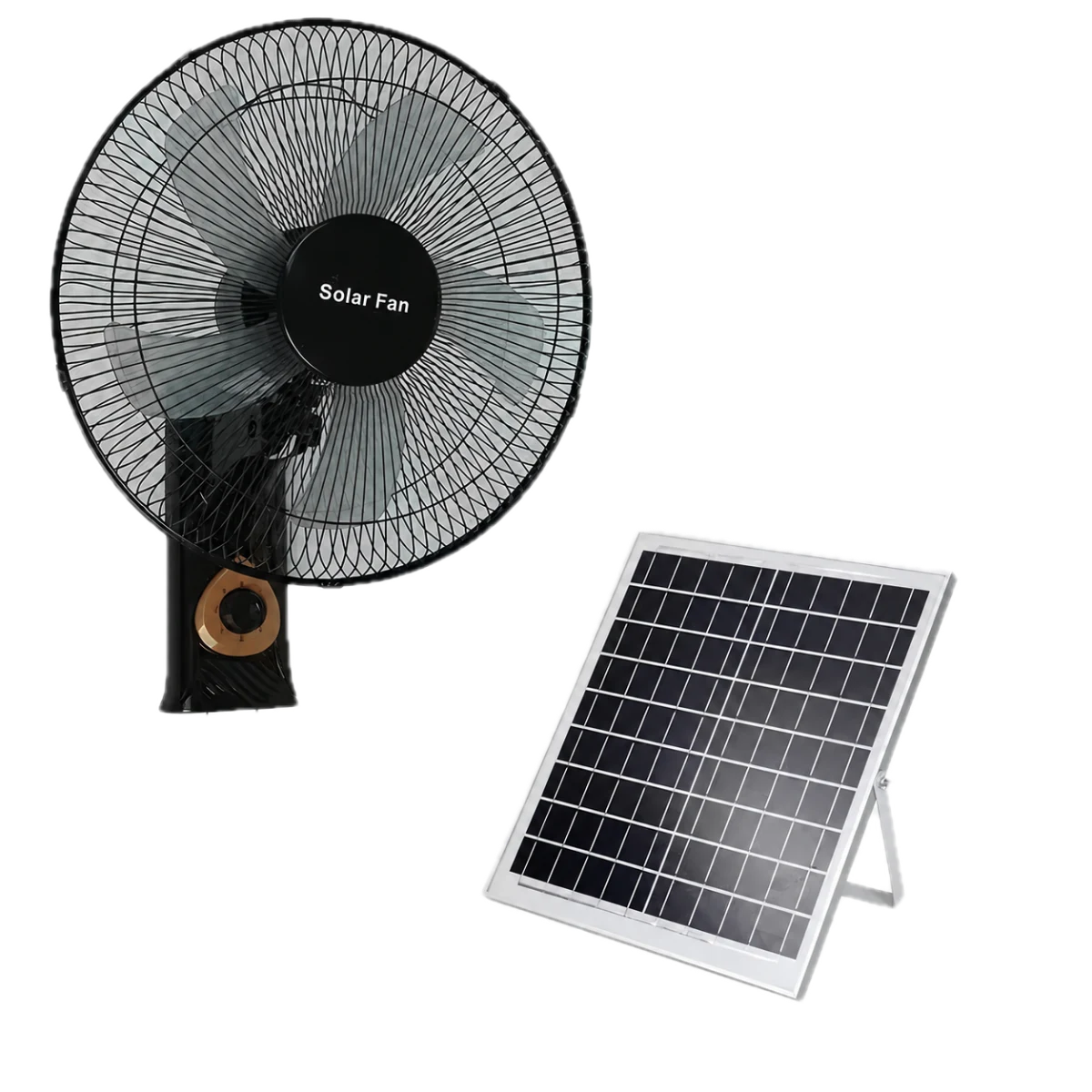
Illustrative transparent product set for W01 with wall fan and solar panel Illustrative product view

Primary recommendation · fixed wall

W01 16-inch wall

Recommend W01 for a compact shop when a safe wall position and practical control access are available.

Solar panel
9V 20W
Charging method
DC charger / solar charging

Check before choosingConfirm the mounting surface, control access and cable route. The standard package does not include a remote or LED bulbs.

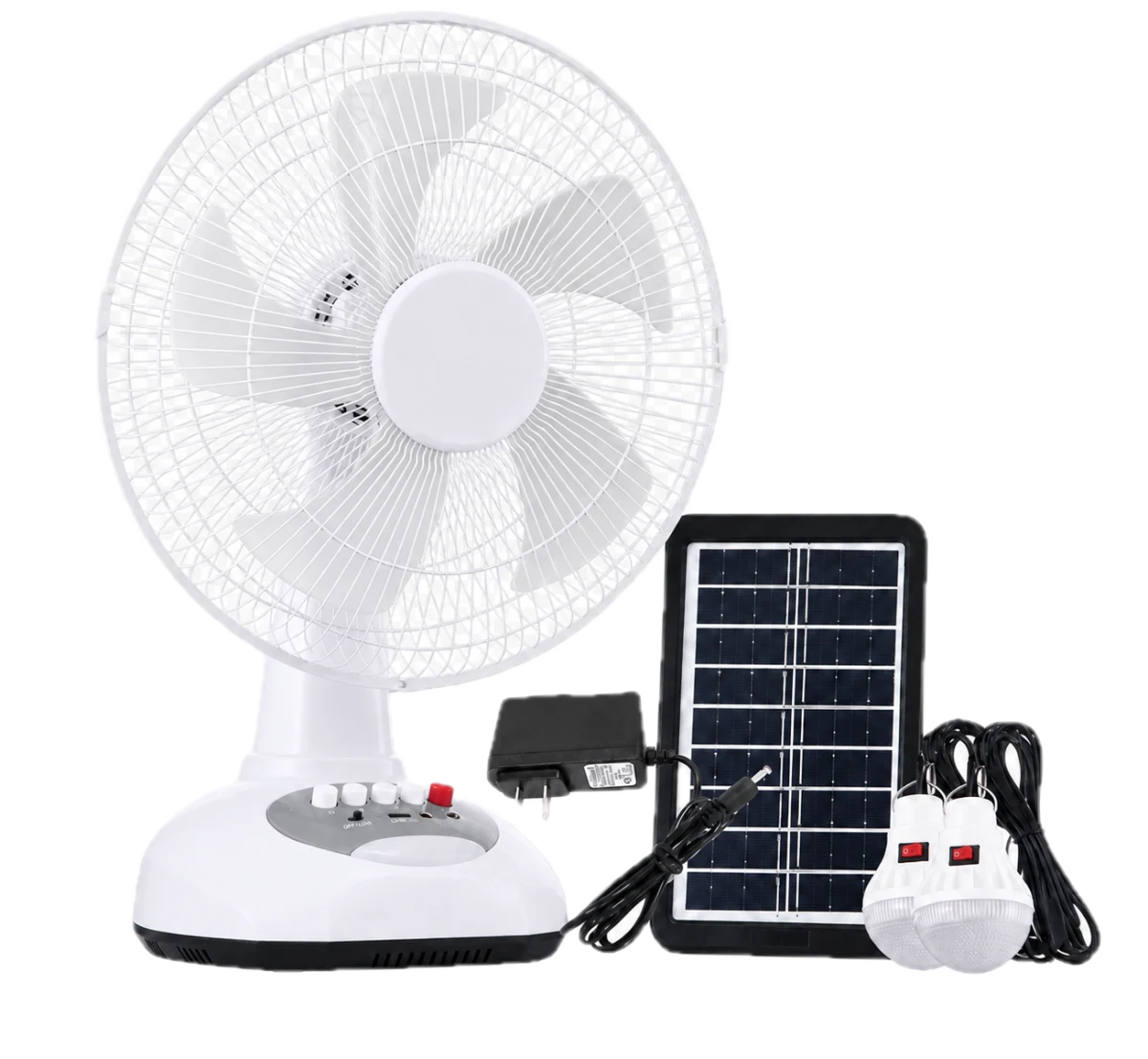
Illustrative transparent white and grey T02 product set with desk fan, solar panel, DC charger and two LED bulbs Illustrative product view

Focused alternative · counter

T02 12-inch table

Use T02 as the alternative when wall mounting is unavailable and a stable counter position remains clear.

Solar panel
9V 4W
Charging method
DC charger / solar charging

Check before choosingCheck the 48 × 21 × 35 cm product dimensions against the usable counter space. Solar charging alone does not establish a full day of operation.

03 / Plan the operating day

Required working hours are an input to the test

“The shop needs the fan throughout its shift” is a requirement to verify. Separate how long a charged battery runs from how the battery will be replenished.

USE

Record the actual load

State the operating schedule and intended fan speed. Include any lighting or compatible device load, and record the starting battery charge during the sample trial.

RECHARGE

Check where the panel can go

Identify a practical panel position, periods of shade and the route back to the fan. Confirm supplied cable lengths and connectors; do not assume an extension or different panel is compatible.

BACKUP

Establish DC-charging access

The listed configurations support DC and solar charging. Check the supplied charger and local mains requirements, when electricity is available and whether the operating schedule leaves enough charging time.

A panel rating is not a daily-use guarantee. Sunlight, placement, charging conditions and the fan's load affect the result. Confirm whether simultaneous charging and operation is supported for the selected configuration before relying on it.

Read the charging and runtime guide →

04 / Check a representative shop

Approve the sample before repeating the setup

For a chain or distributor program, trial a representative installation and record the conditions. Review sites with different layouts or charging access separately.

Open the sample inspection checklist →
  • Placement and access: inspect the mounting or support position, user reach, walkways and cables.
  • Delivered configuration: match the model, panel, charger and accessories to the agreed sample specification. W01's package does not include a remote or LED bulbs.
  • Operation and charging: record fan speed, lighting or device loads, battery start/end condition and the actual charging opportunity.
  • Buyer acceptance: assess airflow at the intended work position and operating noise with the shop user. Agree the criteria before judging a sample or bulk order.
  • Repeat-order record: retain the approved configuration, packaging details and test notes so later batches can be checked against the same requirements.

Questions shop buyers ask

Which model should I choose for a barber or repair shop?

Recommend W01 when a fixed wall position is safe and its controls remain practical. If wall mounting is unavailable, choose T02 only when the counter remains clear. If neither condition holds, leave this shortlist and reassess the full range instead of adding more nominal candidates.

Does wall mounting mean the fan can be operated remotely?

W01's confirmed standard package does not include a remote. Confirm how the installed controls will be reached and operated. If remote operation is a requirement, discuss it explicitly and compare the listed features of other candidates.

Can a shop use the fan outside or in rain?

No verified outdoor-use or water-resistance rating is established on this page. Do not treat solar charging as evidence of weather resistance. Confirm the permitted environment and installation requirements for the fan, charger, panel and connections.

Can one model be specified for every store?

Use one model only where the requirements and verified sample results support it. A store with mounting restrictions, limited counter space, a different operating schedule or less charging access may need a different candidate or configuration review.
Quick RFQ

Request a quote for your shop program

Select the candidates you want to discuss. Share the quantity, destination and contact details; add the placement, operating hours and charging access if known so the quotation can address your shop requirements.

Procurement details Optional

From: Small-shop selection. Edit the shortlist and requirements below. These are your requirements; suitability will be checked with the quotation.

Recommended models to quote
Add contact, message or OEM details Optional

OEM preferences

Branding
Configuration
Packaging

Loading anti-spam check…

We store these details to answer and track your quotation request. Email delivery is secondary to saving the inquiry.

← Compare the full wholesale range