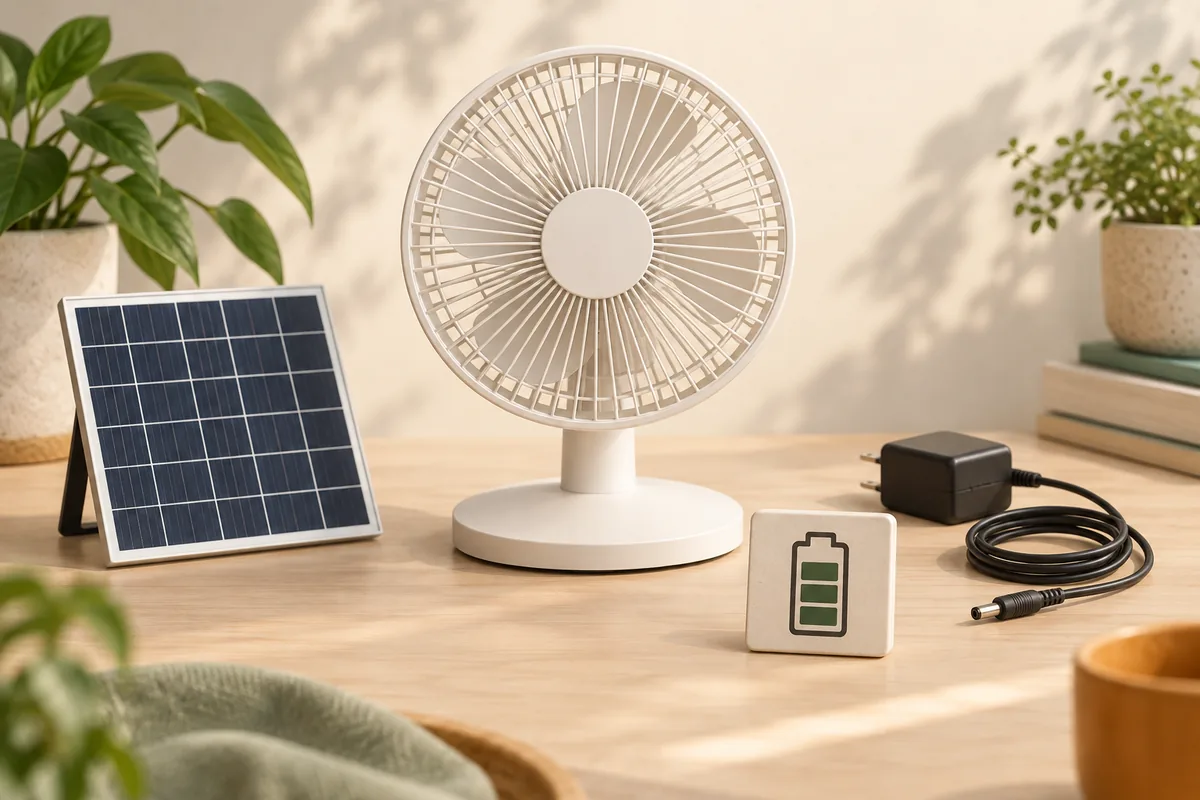
A solar rechargeable fan uses a photovoltaic panel to turn sunlight into DC electricity, a charging circuit to manage that input, and a battery to store energy for use when sunlight is weak or absent. The motor then converts electrical power into blade movement and airflow. The exact charging paths, operating behavior and accessories depend on the model.
This page explains the system. It does not mean every solar fan can run directly from a panel, charge while operating, accept an arbitrary panel or use AC mains power without a supplied charger.
If you are comparing product labels, see solar fans versus rechargeable fans. For the difference between airflow and lower air temperature, read whether fans cool a room.
The four parts of a rechargeable solar fan system
1. The panel produces electricity
Photovoltaic cells absorb energy from sunlight and create electrical current. The U.S. Department of Energy describes PV modules as one part of a complete system; mounting and other electrical components determine how that output is used.
DOE: Solar photovoltaic technology basics
Panel nameplate power is not the energy delivered every hour. Location, time, weather, orientation, shade, heat and dirt affect real yield.
2. The charging circuit controls the input
The fan's charging electronics sit between the power source and battery. They are designed for specified voltage, polarity and current limits. A plug that physically fits is not evidence that a different panel or charger is compatible.
3. The battery stores energy
Stored energy lets a rechargeable model operate after sunset or during an outage. Watts describe the fan's power draw; watt-hours describe energy used over time. Runtime therefore depends on usable stored energy divided by the total power drawn, with real losses and protection limits included.
4. The motor and optional functions use the energy
The motor drives the blades. Higher speed normally draws more power than lower speed on the same fan. Lighting, USB output, indicators and oscillation can add load when present. Farseen models do not all include the same functions, so one model's feature list must not be copied to another.
Direct-solar and battery-backed operation are different
| System behavior | What supplies the fan | Main limit |
|---|---|---|
| Direct solar | Live panel output | Speed or startup can change with the available sunlight |
| Battery-backed | Stored battery energy | Runtime is limited by usable energy and total load |
| Solar charging plus later use | Panel charges the battery, then the battery powers the fan | Daily charging must replace enough of the energy used |
Whether a model can operate while charging is a separate product behavior. Confirm it in the instructions or with the supplier; do not infer it from the presence of a charging port.
How current Farseen configurations differ
The documented T02, W01, 198F and S600 references all list solar and DC-charger charging, but their panel voltage, panel power, battery system and accessory package differ. For example, T02 lists a 9V 4W panel; W01 and 198F list 9V 20W panels; S600 lists an 18V 20W panel. Those differences are why panels and chargers are not interchangeable by default.
Compare the documented model configurations
The model-level stated runtime is 5–7 hours for T02 and 5–9 hours for W01, 198F and S600. These are not promises for every speed or combined load. Use a sample test for the actual setting, charging window and accessory use.
What happens on cloudy days or behind glass?
Clouds, shade and glazing can reduce the useful energy reaching the panel. A charging light may show that some input exists without proving a complete charge. Put the supplied panel where it receives useful sunlight and follow the exact product's environmental and cable-routing instructions.
Read the cloudy-day charging guide or check charging behind a window.
A practical daily energy check
- Record the fan model, selected speed and additional functions.
- Record the required operating hours.
- Identify the approved solar or DC charging method and available charging window.
- Test the exact sample from the same starting indication.
- Record elapsed time and stopping condition; do not generalize one result to other configurations.
For sourcing, the charging and runtime buyer guide turns this into a comparable requirement.
FAQ
Does the panel run the fan or charge the battery?
It can do either depending on the system design. Do not assume direct operation or charge-while-running support without model documentation.
Does a solar fan work at night?
A battery-backed model can use stored energy at night. A direct-solar-only model cannot produce panel power after sunset.
Can I use a larger panel to charge faster?
Only if the exact model documentation approves it. Voltage, polarity, current limits and the controller must match.
Can lights and USB output run at the same time as the fan?
Availability and simultaneous-use behavior are model-specific. When supported, the combined load can reduce runtime and should be tested.
Use the model number and supplied equipment when asking for support. Buyers should include required hours, speed, charging access and optional loads in a configuration request.

Farseen Editorial Team
The Farseen Editorial Team publishes practical guides and company updates about solar rechargeable fans, off-grid appliances, and product sourcing. Where an article discusses product-specific details, refer to its cited sources or contact Farseen for current information.