Switch the fan off, disconnect its charger, clean only as its manual permits, and keep it in a dry indoor place. Check the exact model's battery-storage instructions before deciding how much to charge it or when to check it again. A fan reserved for outages still needs an accessible charger and a normal-use check before the next emergency.
That is a different task from diagnosing a fan that has already become weak. A discussion about fans bought mainly for brownouts includes the practical complaint that an occasional-use rechargeable fan can be awkward to store. It does not establish a battery-care rule for any other brand.
Before you put the fan away
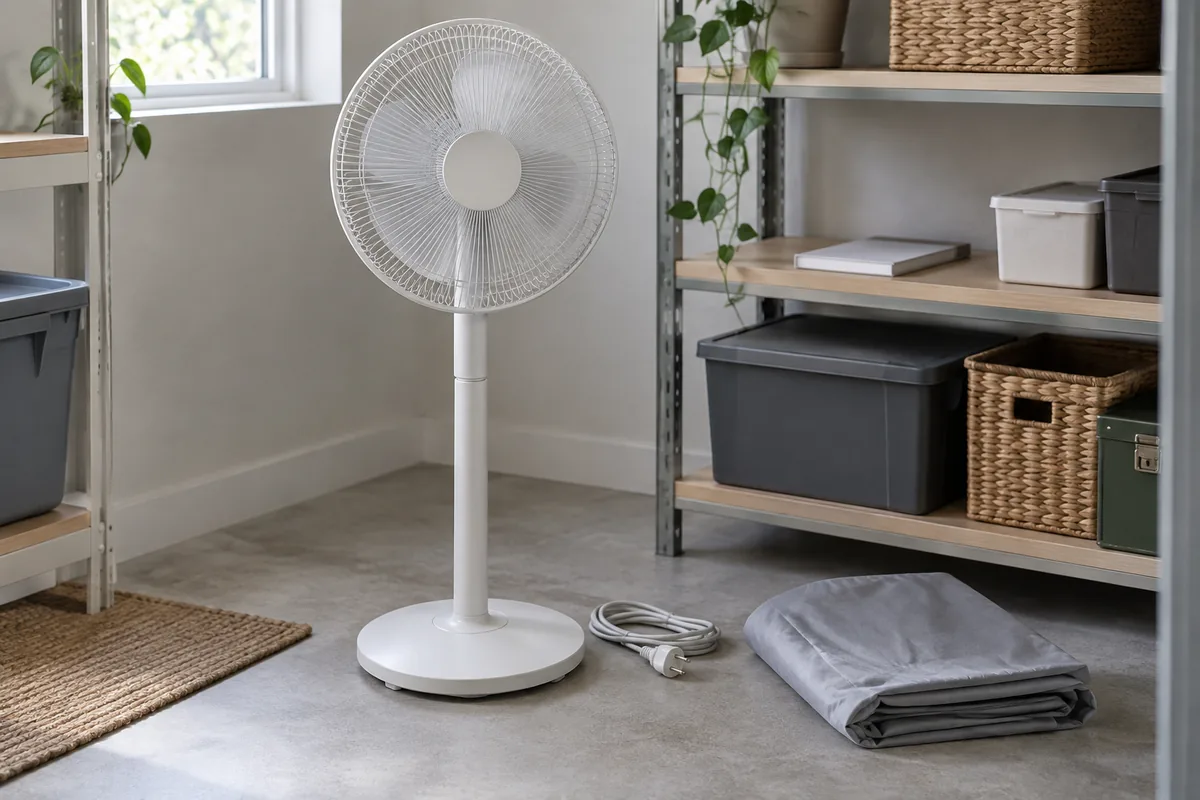
Turn the fan off and disconnect the approved charger or panel as the manual instructs. Inspect the exterior for a damaged cord, loose grille, cracked base, swelling, leakage, unusual heat or smell. If something is damaged, stop using and charging the fan and seek qualified support instead of storing it as a ready-to-use backup.
Remove accessible dust using only the cleaning method allowed for that model. Do not wash the motor housing, force off a grille or open the battery compartment to prepare the fan for storage. The external fan-cleaning guide explains how to proceed when the grille is not designed to come off easily.
Keep the correct manual, charging equipment and any supplied accessories identifiable together. Do not mix up similar-looking adapters or solar panels from different models. If a charging item is missing, the charger-label guide explains what to ask before obtaining a replacement.
How much charge should the battery have in storage?
There is no safe universal percentage for every rechargeable fan. The Vornado Fly Move owner's guide specifies a storage charge level for that model, while Blueair's Handheld Fan FAQ gives a different level for its handheld fan. Their instructions illustrate why a percentage from another product must not be presented as Farseen guidance.
Use the exact fan's manual for its storage state, charging method and any check or recharge interval. If the manual is missing or the indicator does not show a meaningful charge level, ask the maker or supplier for the model's written instructions. Do not estimate a percentage by running the fan until it stops, leave it permanently plugged in on the assumption that this is harmless, or remove a built-in battery without an explicit service procedure.
Farseen's current public references identify the 198F and S600 standing fans, W01 wall fan and T02 desk fan, but they do not provide a verified storage-charge percentage or recurring recharge interval for these models. The Farseen contact page is the right place to request the relevant manual or configuration-specific advice.
Choose a place that preserves the fan and its accessories
An indoor, dry spot away from direct sun, water and avoidable heat is a sensible starting point. Vornado's model guide says to unplug, loosely bundle the cord, cover the fan against dust and store it indoors in a cool, dry location. That is a manufacturer example, not evidence of an identical Farseen procedure.
Keep the fan upright or packed in the position its manual permits, with the guard protected from being crushed. Do not use a dust cover while a fan is running or charging. Store the cord without sharp bends or heavy objects on it, and keep the separate panel and accessories where they can be identified without a last-minute search.
| Check for an occasional-use fan | Record for the exact model |
|---|---|
| Identification | Model, configuration or revision and where its manual is kept |
| Charging equipment | Which charger or supplied panel belongs with this fan |
| Storage instructions | Manual's charge target, permitted location and check interval, if stated |
| Condition | Cord, grille, base and any visible damage before storage |
| Last normal-use check | Date, approved charging method and whether the fan ran normally |
Leave an unknown entry open and ask for the instruction; a blank field is more useful than a guessed charging rule.
Before the next outage, check normal operation
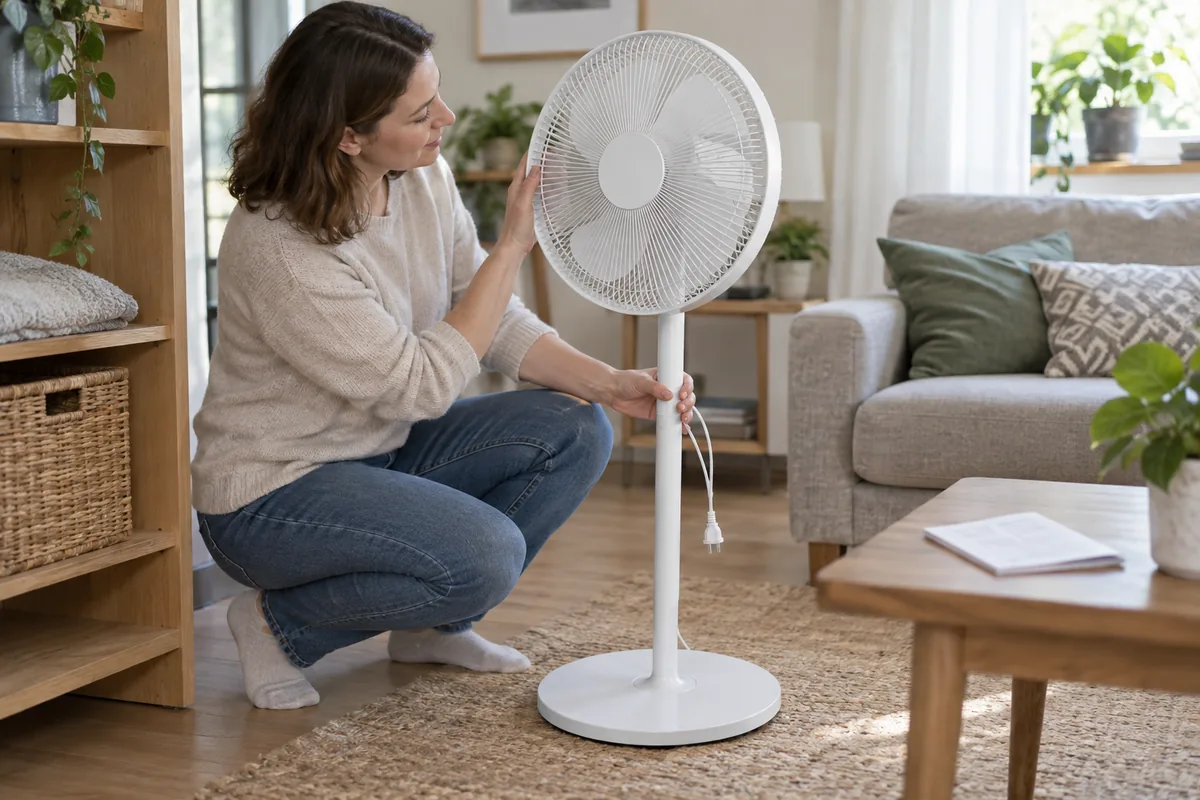
Do the readiness check when power and the approved charging source are available, not only after the lights go out. Inspect the exterior, follow the model's instructions to charge it, then try its ordinary controls at the position where you expect to use it. Note any unusual sound, indicator behavior or shortened operation. Stop if you see damage, overheating, leakage or smell.
A brief normal-use check shows whether the fan operates now; it does not guarantee that it will last a particular number of hours in a future outage. If runtime matters, the runtime guide explains what operating conditions to record. For a fan that now runs weakly or stops sooner than it used to, use the battery and airflow troubleshooting guide rather than assuming storage caused one specific failure.
If solar charging is part of the plan, check that the panel and fan configuration match. A sunny window, a large panel label or a battery indicator alone does not prove that enough energy will be restored before the next use. The solar charging-time guide covers those conditions separately.
The practical goal is simple: keep an identifiable, undamaged fan and its approved charging equipment together, follow its own storage instructions, and test its ordinary operation before you need it.

Farseen Editorial Team
The Farseen Editorial Team publishes practical guides and company updates about solar rechargeable fans, off-grid appliances, and product sourcing. Where an article discusses product-specific details, refer to its cited sources or contact Farseen for current information.