If the fan works from its own buttons but ignores the remote, first check the remote's battery, its connection to the fan, and model compatibility. If neither control works, the problem may involve power, a control setting or the fan itself. Replacing the remote immediately can miss that distinction.
These checks concern ordinary household standing, table and tower fans. Use the instructions for your exact model; a ceiling-fan wiring tutorial or another brand's button combination is not a general reset procedure.
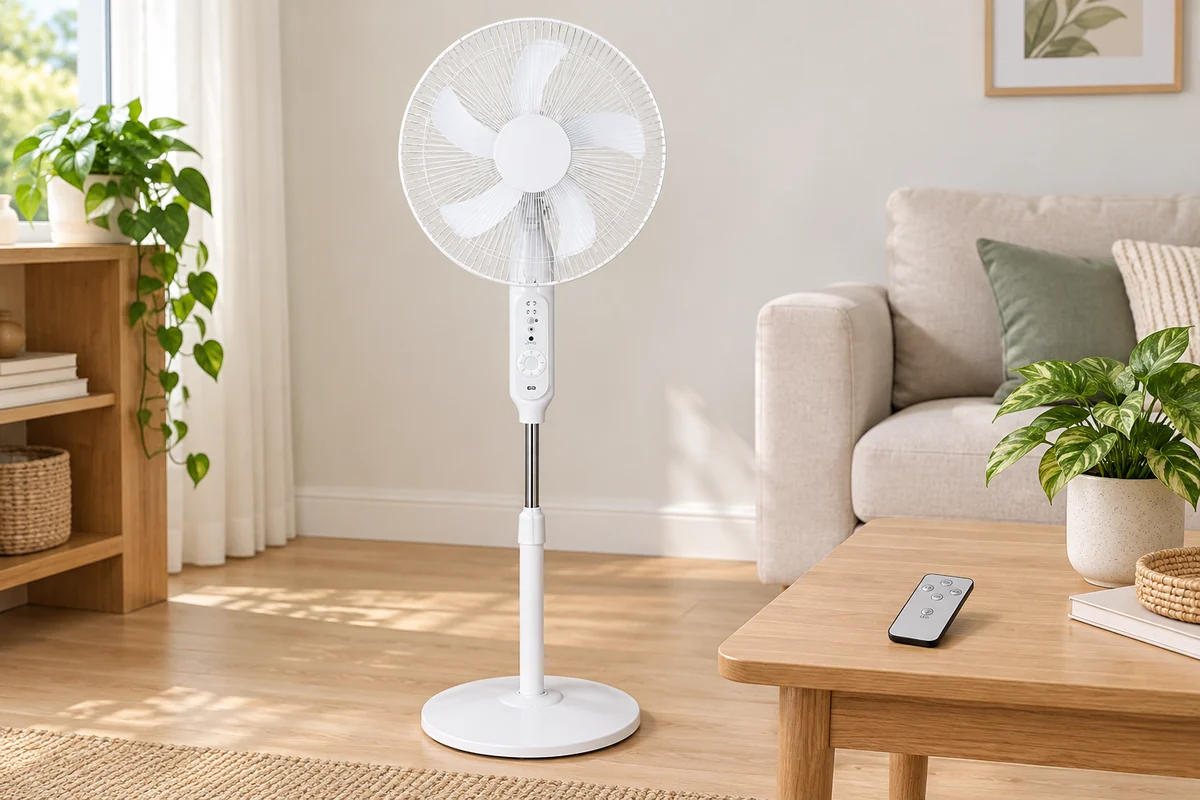
Which Farseen models include a remote?
Before troubleshooting a missing or unresponsive handset, check the model and the configuration you ordered. Farseen’s current standard listings make this distinction:
| Fan model | Remote in the current standard listing |
|---|---|
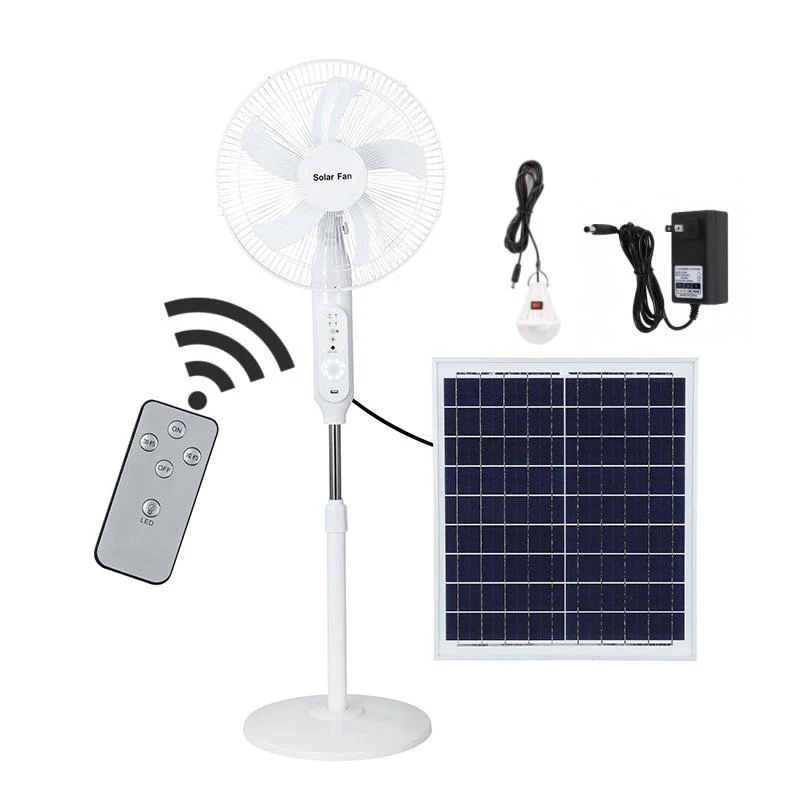
| 198F 16-inch standing fan | Included |
| S600 18-inch standing fan | Included |
| T02 12-inch desk fan | Not included |
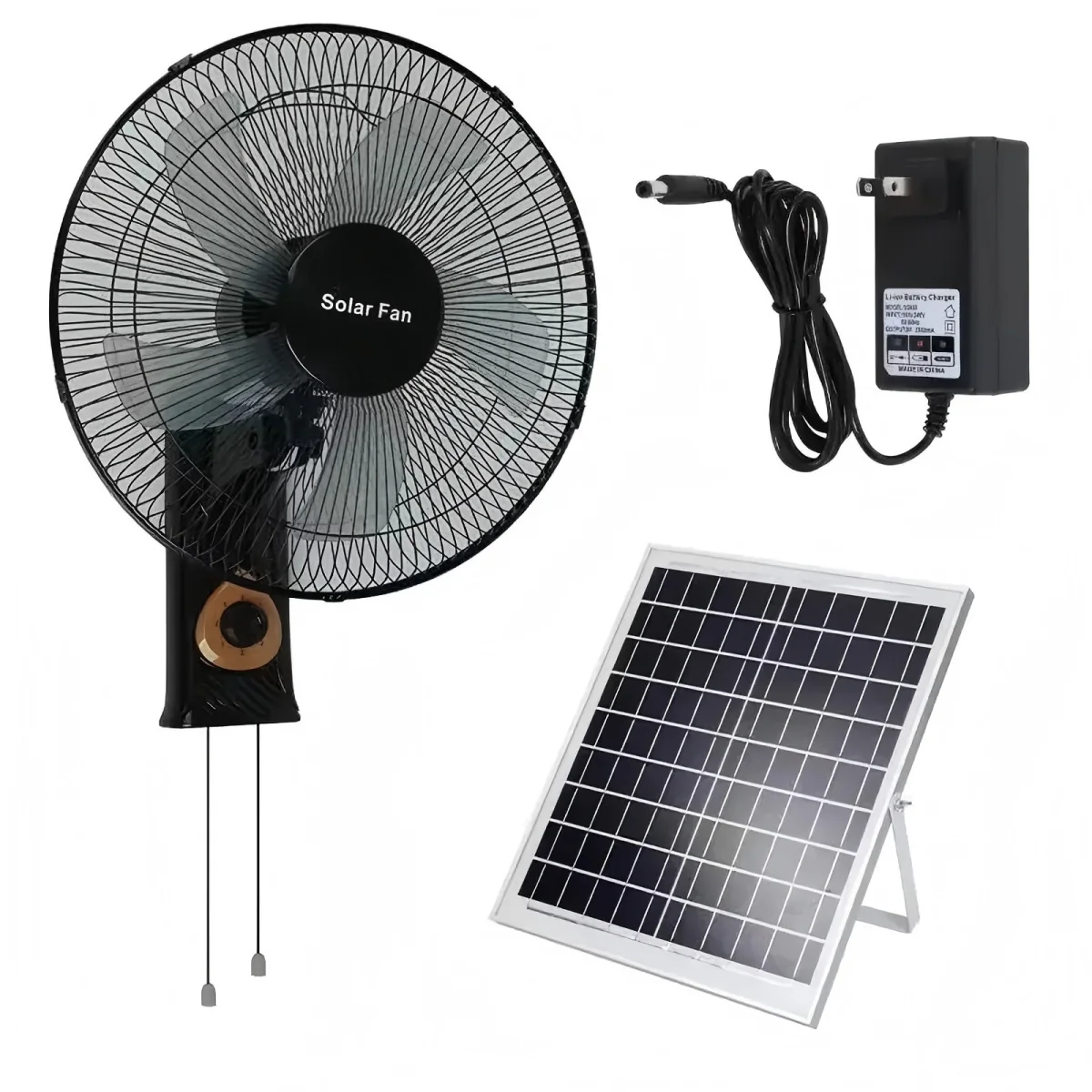
| W01 16-inch wall fan | Not included |
For a standard T02 or W01 set, the absence of a handset does not by itself indicate a missing accessory or a fault. Use the controls and instructions supplied with that model. For a custom order, check the written accessory list instead of assuming that the standard listing describes every configuration.
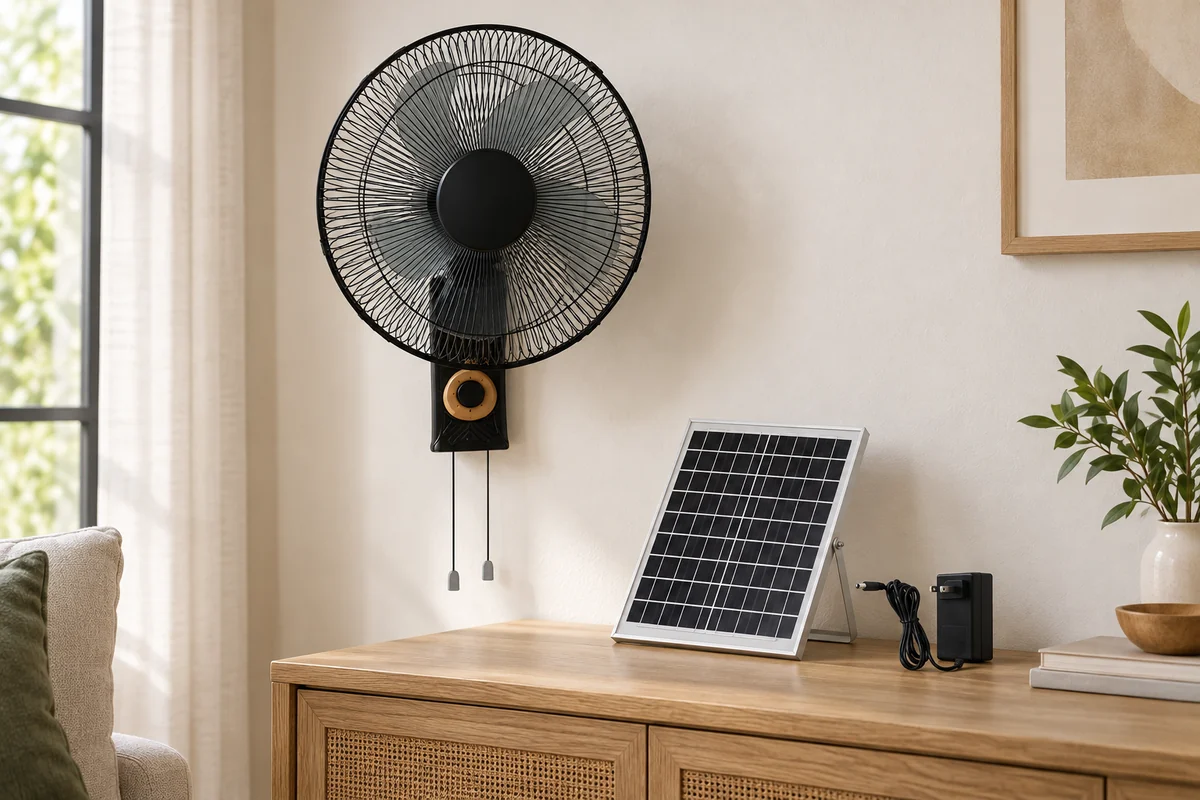
The original W01 reference image linked above shows two pull cords. That is a visible detail of the reference unit, not proof of what each cord does or of a remote receiver. Follow the instructions for your own unit rather than copying the button sequence for a standing fan.
For 198F and S600, remote inclusion is confirmed in the current product listings. The materials available for this guide do not confirm the remote battery type, communication protocol, pairing sequence, replacement part number or operating distance. A signal symbol in a product image is not proof of Wi-Fi, Bluetooth or infrared control, and similar-looking handsets are not proof that the two models share a remote.
Make a useful control comparison for 198F or S600
With the fan in a normal, safe operating state, use only actions described for your exact model. First check a normal power or speed action on the fan itself, then try the corresponding documented handset action from one fixed position. Record the result of each action separately.
| Record | What to write down |
|---|---|
| Fan identity | Model and batch/revision from the delivered label |
| Built-in control | Action tried and whether the fan responded |
| Handset | Photo of the front, back and user-accessible battery markings; action tried and response |
| Position | Approximate distance, aiming position and anything between handset and fan |
| Changes before the symptom | Battery replacement, a drop or time in storage, if applicable |
This is a blank observation checklist, not a completed Farseen test. If the built-in control responds and the handset does not, send both observations to support before ordering a part. If neither responds, start with the separate charging and power checks. Do not try another brand’s reset sequence or open a receiver housing.
Start with the buttons on the fan
Use the normal power button on the fan, then try a speed change. Note whether it responds consistently and whether the remote can perform the same actions.
This separates two useful questions: can the fan operate, and can it receive the remote command? Dreo's CF511 troubleshooting guidance specifically asks owners to test the control panel when the remote does not work.
| What happens | What to check next |
|---|---|
| The fan's buttons work; the remote does nothing | Remote battery, any shipping tab, signal path and the correct remote model |
| Neither the buttons nor the remote work | Normal power or charging setup and documented control settings before blaming the remote |
| Only some remote commands work | Which buttons fail, whether those functions are available in the current mode, and any visible remote damage |
| The remote works only from one position | For an infrared remote, check aiming and obstructions; also check the battery and documented range |
These observations narrow a support request; they do not prove which component has failed. If a rechargeable fan will not operate from either control, use the separate solar fan charging and no-spin checks.
Do not continue testing a fan with a damaged cable, burning smell, unusual heat or water inside it. Stop using it and arrange service.
Check the remote battery without opening the fan
For a new remote, check whether the manual describes an insulating pull-tab in the battery compartment. Remove that tab as instructed; do not peel off unrelated labels or pry the casing apart.
Open only the battery compartment intended for user access. Compare the battery type and orientation with the compartment markings and manual. Fit the specified replacement correctly, then close the cover securely before testing.
When a remote uses several batteries, replace them together rather than mixing old and new ones. Lasko's pedestal-fan manual calls for the correct battery size and grade, matching polarity and replacement of the whole set. Its battery specification applies to the listed Lasko models, not every fan remote.
Keep loose batteries away from children. If the compartment is damaged or a battery has leaked, stop this check and ask the manufacturer how to proceed. Do not bridge contacts with foil, bend them with tools or substitute a different battery voltage.
Find out how the remote communicates
A similar appearance does not establish that two remotes use the same control system. Look for the model's description of infrared, RF, Bluetooth or a pairing procedure.
For an infrared remote, check the path to the receiver
Aim at the receiver identified in the manual, not automatically at the centre of the blades. Try from a nearby position with nothing between the remote and that receiver.
For example, the Tefal VU6525/55 instructions identify an infrared transmitter on the remote and a receiver on the fan's control panel. They require an unobstructed path and warn against covering or scratching those parts.
If the remote works from the clear position, compare it with the position where it failed. A table edge, furniture or the aiming angle may be part of the problem. That result does not establish a universal operating distance for other fans.
For a paired remote, use the exact model's instructions
Bluetooth and other radio remotes may require a model-specific connection procedure. Do not assume that pointing more accurately will restore a lost pairing, or that every remote needs pairing at all.
Xiaomi's Mijia Smart Standing Fan Pro Slim FAQ describes a Bluetooth remote paired to one fan. Its prescribed button sequence belongs to that product. Copying it to a different fan is not a reliable troubleshooting method.
If your manual describes a lock, standby or wake-up state, check that section too. Follow only the documented procedure; avoid experimenting with long button presses or repeated power cycling.
Will a replacement or “universal” remote work?
Only buy a replacement after confirming compatibility with the exact fan model. Matching shape, brand or button labels is not enough.
Dreo's replacement remote listing names supported products and excludes several others from the same brand. That is a useful example of why a remote advertised for “fans” is not necessarily interchangeable.
Before ordering, send the seller the fan model and a photo of the original remote. Ask for the replacement part number, supported functions and any required pairing instructions. If the original remote is lost, use the fan's label rather than guessing from a product photo.
For an importer or distributor arranging replacements, the solar fan spare-parts and warranty checklist helps record the exact compatible part and agreed service terms. It does not establish an available Farseen replacement part or a warranty period.
A confirmed compatible remote may resolve a failed handset. It will not establish that a fan with an internal receiver or control fault is working correctly. Do not open the motor housing, replace a receiver board or bypass controls as part of these checks.
Give support a useful description
Record the fan model, remote identification, battery type, which physical and remote buttons respond, and whether the symptom followed a drop, battery change or long period without use. A short video showing the two controls can help explain an intermittent problem.
For a Farseen product, use the Farseen contact page to describe the issue and request the correct remote and operating instructions for your configuration. Have the model label and remote photos ready to share with the team; another manufacturer's protocol, replacement part or reset sequence should not be assumed to apply.

Farseen Editorial Team
The Farseen Editorial Team publishes practical guides and company updates about solar rechargeable fans, off-grid appliances, and product sourcing. Where an article discusses product-specific details, refer to its cited sources or contact Farseen for current information.