A rattle that appears in one movement mode is a symptom, not a diagnosis. First check for damage and stop-use signs. Then, with the fan off and external power disconnected, inspect its position and the space around its moving parts without opening it. If a brief operating comparison is safe and permitted by the manual, record exactly which mode produces the sound and contact support if it persists.
Do not assume that the sound proves a dry bearing, a broken gear or a loose internal part. Do not add lubricant, hold the moving head still or keep running the fan to “wear it in.”
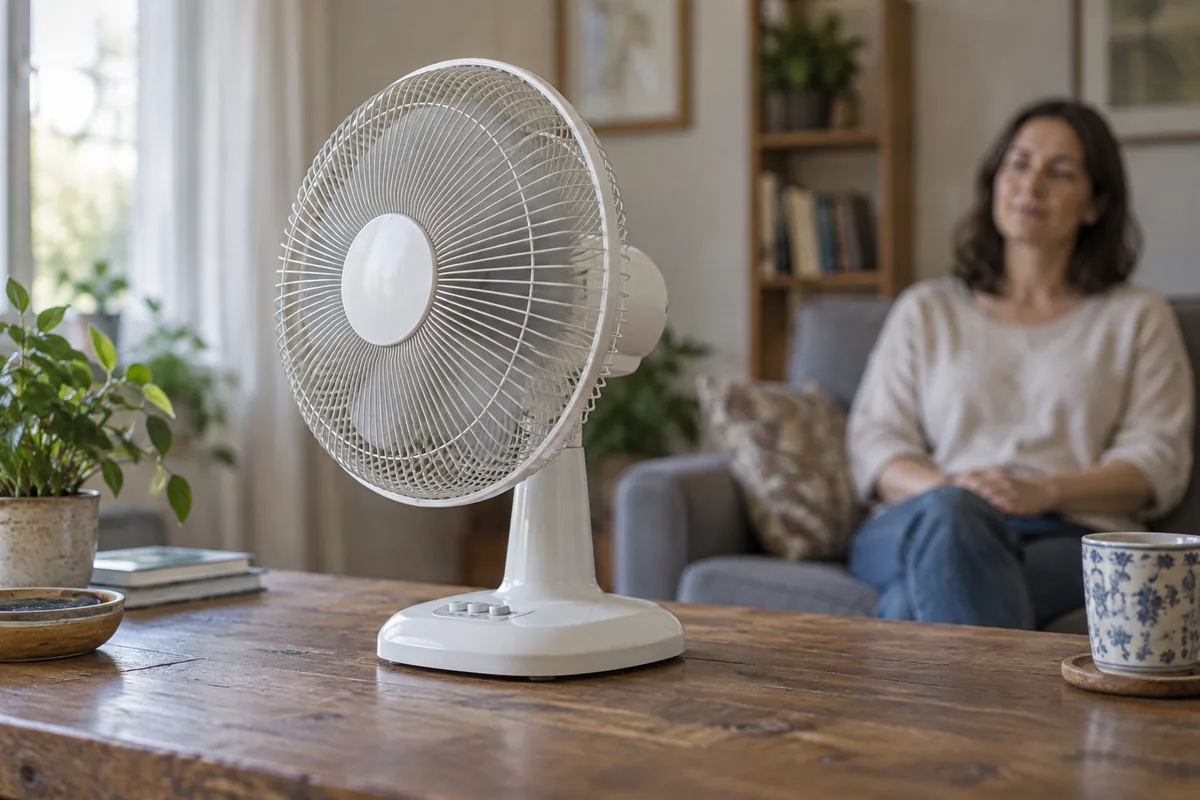
Describe the movement accurately
“Oscillation” can describe different movements on different fans. One may sweep horizontally. Another may have separately controlled vertical movement or a combined pattern. Manual tilt adjustment is not automatically a powered movement mode.
If the noise happens during a combined movement but not during a horizontal sweep, keep that distinction in your description. “It rattles whenever it oscillates” loses information that could help the manufacturer understand the problem.
Use the names on your own controls and manual. Record the speed, movement mode and whether the noise occurs at a repeatable position, when changing direction or throughout the movement. Do not assume a different brand's similarly named mode operates the same mechanism.
Farseen's current specifications list horizontal oscillation and vertical angle adjustment for 198F, W01, S600 and T02. That listing does not establish the combined powered movement modes found on some other fans, nor does it identify the internal cause of a rattle.
Stop before testing if there are warning signs
Do not run a comparison if there is a burning smell, smoke, damaged cable or plug, cracked or displaced guard, visible contact with a blade, marked instability or an uncontrolled movement. Stop using a fan that has been dropped or visibly damaged until it has been assessed.
Switch off and disconnect external power if you can do so safely. Do not reach through the grille or open a motor or battery enclosure. A rechargeable fan can still store energy after its charging lead is removed.
For example, the Vornado Z-Series DC owner's guide directs users to stop using damaged products and seek service rather than attempt repairs. A product's own stop-use instructions take priority over the observation steps below.
If you are uncertain whether what you see is safe, send photographs and a description to support without restarting the fan to make a video.
Inspect the setup with the fan off
Start outside the appliance. These observations can help separate a placement problem from a symptom that needs service:
| Check | What to look for | What not to do |
|---|---|---|
| Supporting surface | The complete base sits on a firm, level surface appropriate for the fan | Do not wedge it with loose objects or place it on a soft cushion |
| Space around the head | The permitted movement has clearance from a wall, curtain, shelf or nearby object | Do not force the head through its travel to check it |
| Cable route | Leads cannot wrap around the base, stretch tight or enter the moving area | Do not pull on a cable or alter internal wiring |
| Exterior condition | A shifted guard, crack, displaced base or loose-looking part is visible | Do not press, bend or tighten unidentified parts |
| Recent change | The sound began after moving, assembly, cleaning or a knock | Do not assume the timing proves the cause |
Dreo's pedestal-fan support guidance checks a flat surface, correct base assembly and foreign objects when addressing wobble. Its Cruiser Pro T3 support section also identifies cable entanglement as a check for failed oscillation. These are examples of external checks; they are not instructions to disassemble or adjust a Farseen mechanism.
For a wall-mounted fan, do not run it if the mount appears loose. Keep people clear and arrange an appropriate mounting inspection instead of trying to steady it by hand.
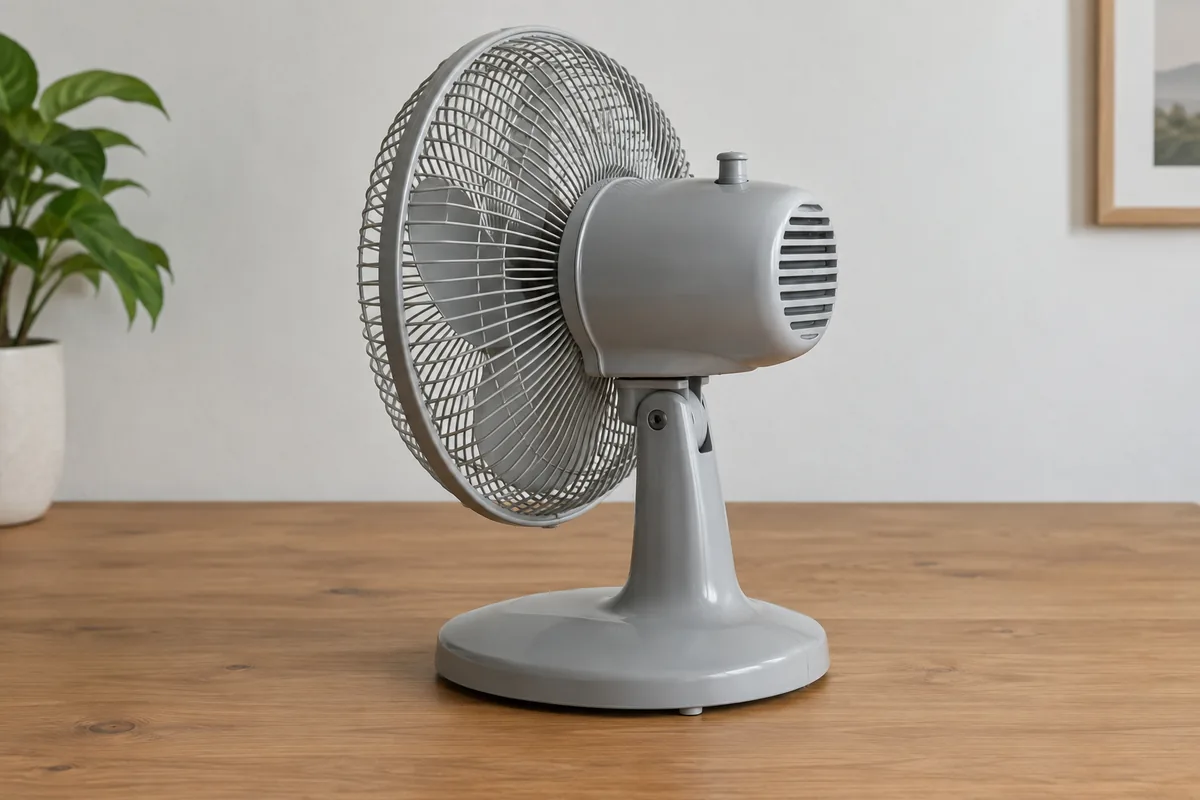
Make only a limited operating observation
If there is no damage or warning sign, the fan is fully assembled and its manual permits continued operation, use only its normal controls for a brief comparison. If the noise is new, pronounced or makes you doubt its condition, skip the comparison and ask support first.
Keep people and loose objects clear. Begin with a normal fixed-direction setting if that mode exists, then select the movement mode in question. Change only one control at a time. Note what happens and stop once you have enough information; repeated long runs add little useful detail.
Do not press on the guard, grip the neck, hold the base down or restrain the moving head while it is running. If moving the appliance is necessary, switch it off and disconnect external power first.
If the sound disappears after moving a nearby object, record that observation. It does not prove every internal part is sound. If it returns, if movement becomes jerky or if the fan looks unstable, stop and request guidance.
Send support a useful description
Provide the following information instead of naming a suspected failed part:
- Exact model and any available serial or order reference.
- Whether the sound was present from first use or appeared later.
- The speed and movement mode selected, using the manual's names.
- Whether fixed-direction operation differs from horizontal or combined movement.
- Where in the movement the noise occurs and whether movement also stops or jerks.
- Photographs of the whole setup, base, guard and cable route.
A short recording can accompany those observations only if making it is safe. Keep the phone outside the movement area. An existing recording is enough; do not restart a suspect fan solely to improve the audio. A phone recording can help communicate a symptom, but it is not a calibrated noise test or proof of an internal fault.
For a Farseen product, use the email or WhatsApp details on the contact page to request model-specific support. State that you already own the fan and need help with this symptom.
Do not use cleaning or lubrication as a guess
Visible external dust can be handled according to the model's maintenance instructions. Use the closed-grille cleaning guide if you are unsure what can be reached safely. It does not authorize opening a gearbox, motor or battery compartment.
Do not spray lubricant through a grille, oil a pivot based on a video, or copy another manufacturer's repair procedure. A quiet fixed-direction mode also does not establish that continuing to use the appliance with oscillation disabled is safe; ask support about that temporary option.
If the main symptom is reduced airflow or shorter running time, use the weak rechargeable fan checks. If it will not run at all, start with the not charging or spinning guide. Those are different problems from a fan that runs but makes a new movement-related sound.

Farseen Editorial Team
The Farseen Editorial Team publishes practical guides and company updates about solar rechargeable fans, off-grid appliances, and product sourcing. Where an article discusses product-specific details, refer to its cited sources or contact Farseen for current information.