If the grille will not come off, do not force it. Start with the cleaning method permitted by the exact model's manual. Where external dry cleaning is allowed, remove accessible dust without opening the housing or pushing tools through the grille. Sticky dirt on inaccessible blades may need manufacturer-approved access or service; spraying through the guard is not a substitute.
No visible screws does not prove that a grille is permanently sealed, and a visible screw does not prove it is intended for routine user removal.
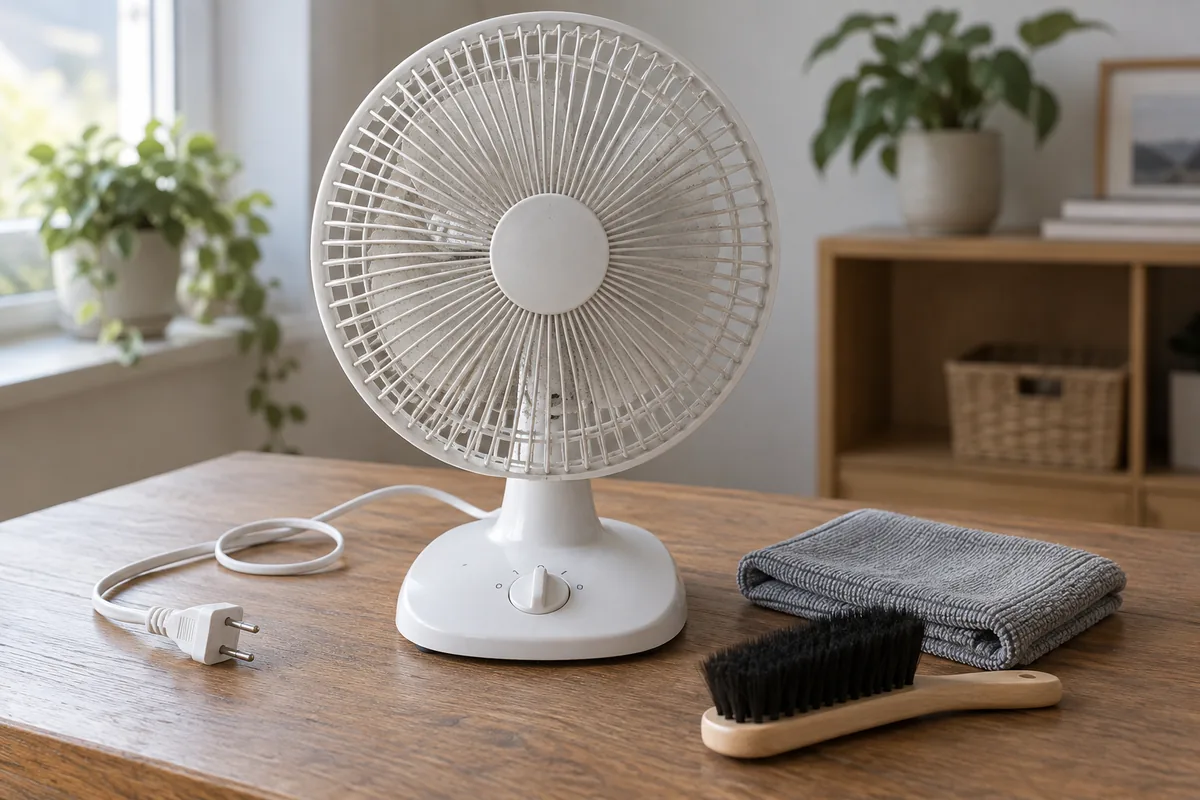
Find out which parts the owner may clean
Look for the model number on the appliance label, then find the matching manual's cleaning or maintenance section. Check the complete model reference rather than copying instructions for a similar-looking fan.
Two official examples show why this matters. Lasko's tower-fan cleaning instructions describe vacuuming the front and rear grilles from outside and advise against opening the unit. In contrast, the Vornado Z-Series DC manual includes a specific grille-removal procedure for the models it covers.
Neither example tells you how to dismantle a Farseen fan. They establish that access and cleaning methods differ between products. If your model's instructions are missing or unclear, ask the seller or manufacturer for the correct procedure before removing fasteners, prying clips or opening the motor housing.
Separate the task into three areas: exposed outer surfaces, parts specifically approved for owner removal, and inaccessible internal parts. You can often improve the first area while leaving the other two alone.
Prepare the fan before touching it
Switch the fan off, disconnect its external power supply and wait for all movement to stop. With a solar rechargeable fan, disconnect the charger or solar input as applicable and follow its shutdown instructions. An unplugged rechargeable appliance can still contain stored battery energy; do not treat it as safe to reach inside.
Keep controls away from accidental operation. Do not open the battery compartment, disconnect internal wiring or remove a built-in battery as a cleaning step.
Work on a stable, dry surface with enough space to see the outside of the guard. A wall-mounted fan needs safe access; do not balance on furniture or remove it from its mount without the model's procedure. If you see a damaged cable, cracked guard, melted area or other damage, stop and seek support rather than cleaning around it.
The Lasko Model 507 manual illustrates the basic separation between switching off and disconnecting power before cleaning. Its restrictions and cleaning method apply to that model; your own manual determines the details.
Remove accessible dry dust
Where your manual permits external dry cleaning, use this limited sequence:
- Look at both sides. Identify dust on the outside of the intake and outlet guard. Check the base and exposed housing too.
- Use the specified tool gently. If a vacuum brush attachment is permitted, pass it over the exterior surface without pressing the grille inward. Keep the attachment outside the guard.
- Wipe exposed housing. Use a soft, dry cloth unless the manual specifies a different method. Avoid switches, sockets and openings that could catch a cloth edge.
- Check what remains. Do not push a brush, cloth or narrow nozzle between the bars to reach a blade. Stop when the remaining dirt needs access the instructions have not authorized.
Lasko's external-cleaning guidance is a useful example of removing dust while leaving a fan closed. Its additional compressed-air advice is model-specific, so this guide does not extend that method to every fan.
Do not run the fan to throw the dust out, and do not clean while the blades are moving. Leave guards and other safety parts in place unless the matching manual explicitly provides a removal procedure.
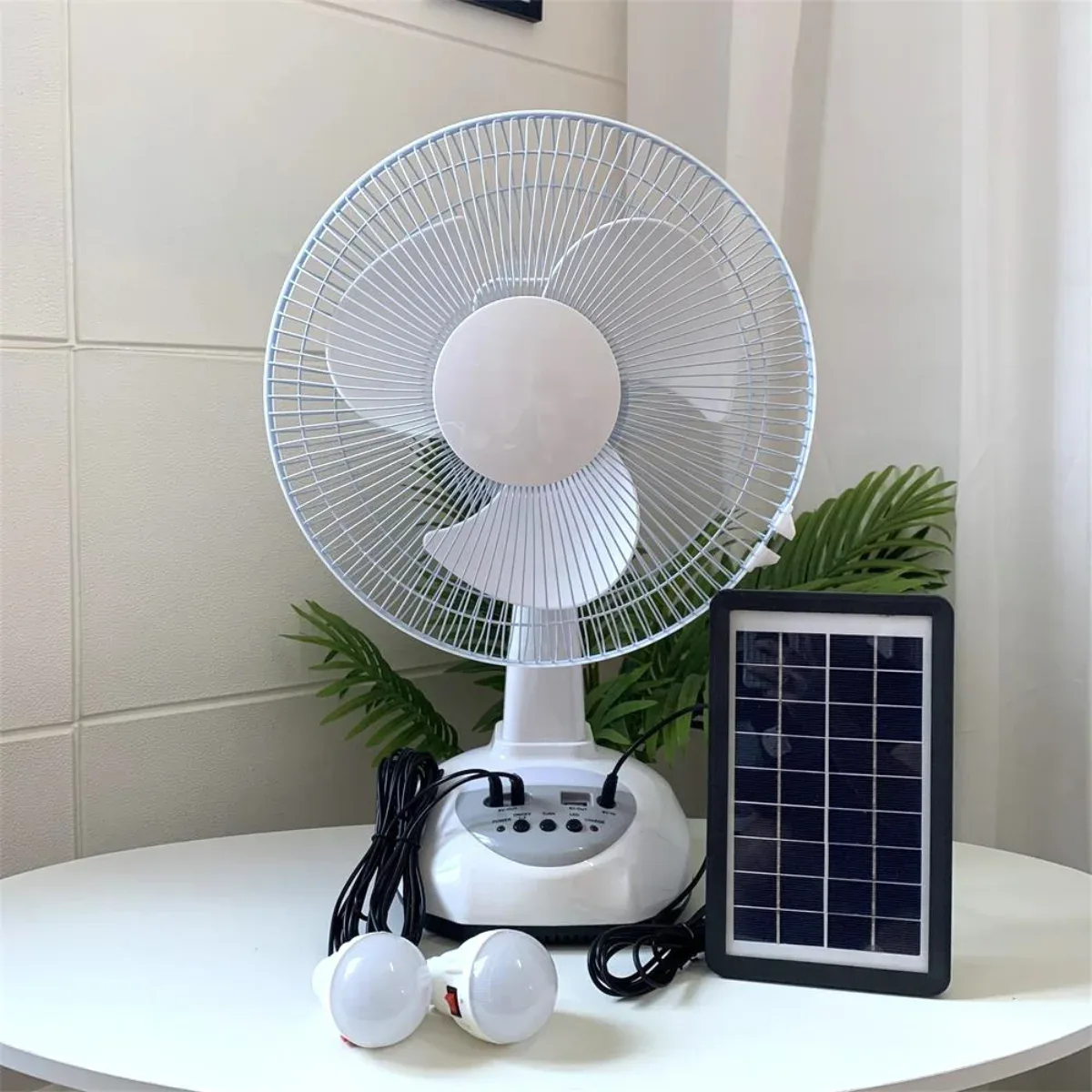
What if the dust is sticky?
Dry dust removal and cleaning a sticky coating are different tasks. If a coating remains on an accessible outer surface, check whether the manual permits a damp cloth and which cleaning agent, if any, it permits. A method approved for a detached grille may not be approved for the assembled fan.
Never spray water, detergent, disinfectant or lubricant into the grille or motor housing. Do not hose down the appliance, immerse it, or use a spray-and-bag cleaning trick. Do not assume alcohol, solvent, bleach or a stronger degreaser is compatible with its plastic and electrical parts.
If the manual allows wiping with a damp cloth, keep moisture away from electrical openings and follow its drying instructions before reconnecting power. If sticky dirt remains on blades behind a guard that you cannot safely remove, ask for approved cleaning or service. Leaving that task to support is more useful than turning a cleaning problem into a damaged guard or wet motor.
How often should you clean a fan?
Follow any interval in the manual, then use visible buildup to plan inspections. There is no single interval that fits every room and usage pattern.
To establish your own routine, note the date after cleaning and take an exterior photograph. Look again during ordinary use. Record whether the new deposit is light dust, hair or a sticky film, and whether the room is near cooking, an open window or other noticeable sources of dirt. These observations help you ask a more specific maintenance question; appearance alone does not identify the material.
If buildup returns sooner than expected, inspect sooner next time. Do not copy another owner's “every two weeks” as a universal schedule. Do not attach an improvised filter or cover to the guard to reduce dust unless the fan manufacturer approves it.
Check before using it again
Confirm that no cloth, tool or loose material remains, the fan is dry, the guard is intact and everything you were authorized to remove has been refitted exactly as instructed. Use the normal controls from a safe position. Stop if the fan now scrapes, rattles or behaves differently.
An unusual sound needs its own assessment; use what to record when a fan rattles in one oscillation mode. If airflow is still weak, compare the same position, setting and starting charge rather than assuming cleaning failed. The rechargeable-fan weakness guide separates weak airflow from shorter battery duration.
For a Farseen fan, provide the exact model, a photograph of the grille and the area you cannot reach when requesting instructions through the contact page. Published specifications alone do not confirm a grille-release mechanism or an approved cleaning liquid. Ask for those details rather than treating another brand's teardown as your manual.

Farseen Editorial Team
The Farseen Editorial Team publishes practical guides and company updates about solar rechargeable fans, off-grid appliances, and product sourcing. Where an article discusses product-specific details, refer to its cited sources or contact Farseen for current information.